Carry a software project without losing the thread
In Ultineo SaaS, the project workspace connects your brief to its business areas, its application, its hosting and its publications. You find the action that is waiting for you, answer each question in the item it concerns, and review each version before your users receive it.
What rests on the person who carries the project
- A need you can check
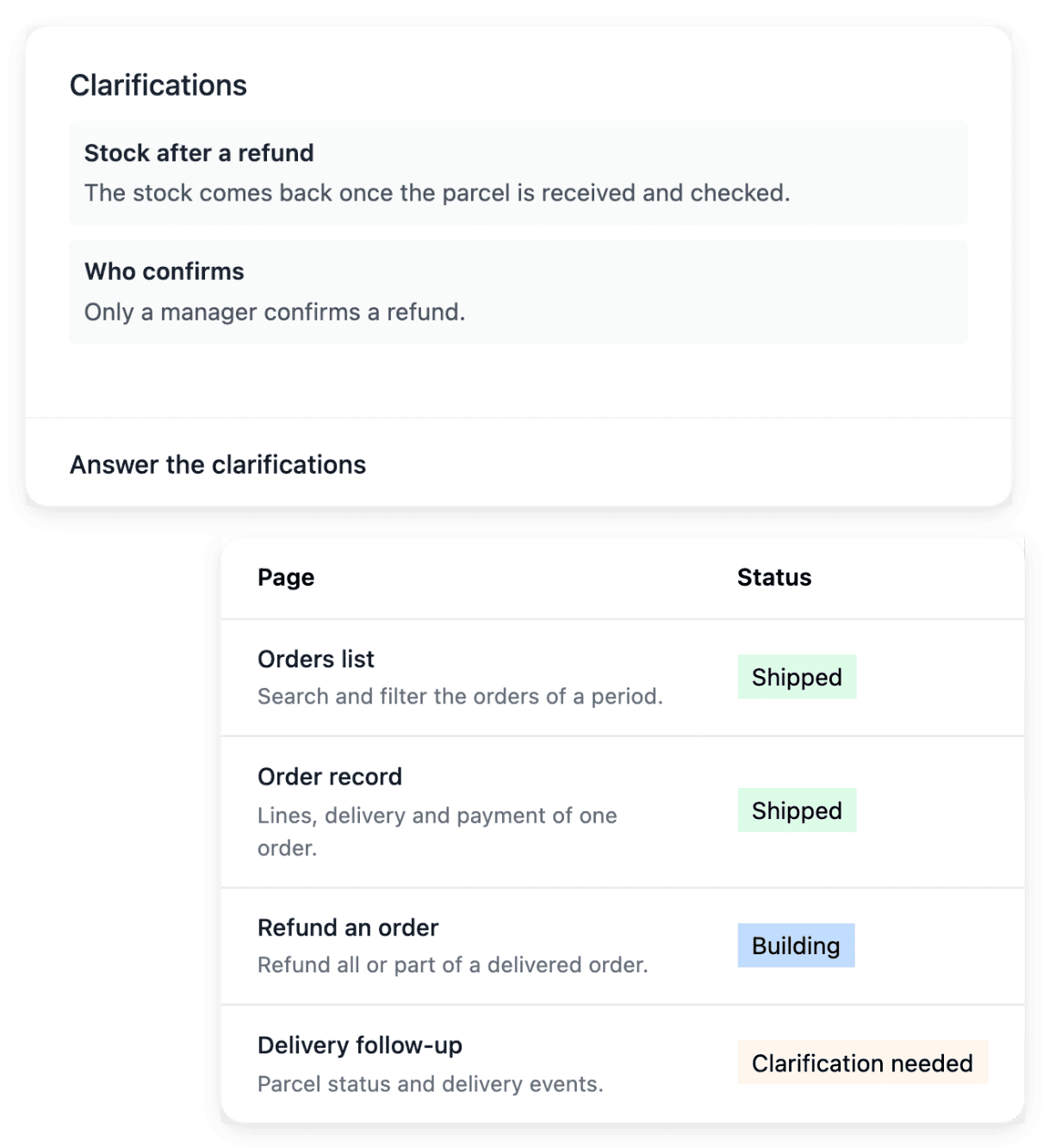
Everyone in the company knows roughly what the software should do, and you are the one who has to say it precisely. In Ultineo SaaS, you review what a function or a page should do before it is built, and that agreed definition remains the reference when you check the working screen.
- Answers kept with the work
During the build, questions come back to you, and an answer given in a call or an email is soon forgotten. Each question belongs to its business area, function, page or request: you open the corresponding item and respond in context, which keeps the response connected to the right work.
- Deciding what goes live
Your colleagues or your customers will work with whatever is published, so the decision to publish is yours to prepare. Ultineo SaaS shows what is running in each environment of the project, development, production, and pre-production when it has it, and you choose a tested release for the next environment.
Find the page for the project you carry
- Start a software project
See the whole project in order, from the first brief to the live service: the starting scope is discussed through business areas, functions and pages before you follow the construction.
- Bring an internal process together
When a request moves between documents, email and several tools, describe its journey and the responsibilities you want to bring together. The project then defines the functions and pages needed for that agreed process.
- Open a service to your customers
Prepare a service where customers submit information and your team approves what needs approval. The project can cover a customer application and a back office, according to the selected scope.
- Change an application in service
Bring the page and an example of the behavior to change. A precise request is easier to review than a general instruction to redesign everything, and the publication process keeps the result connected to a tested version.
- Report a problem and follow it
Keep a visible record of the feedback sent for your project. Each report has its state and its conversation, and you add missing information there rather than opening another report for the same situation.
- Follow several projects
When you manage more than one project, the selected project determines which scope, requests and services you see. Check its name before acting: selection does not merge projects, and the records of each one stay separate.
Find the action that is waiting for you
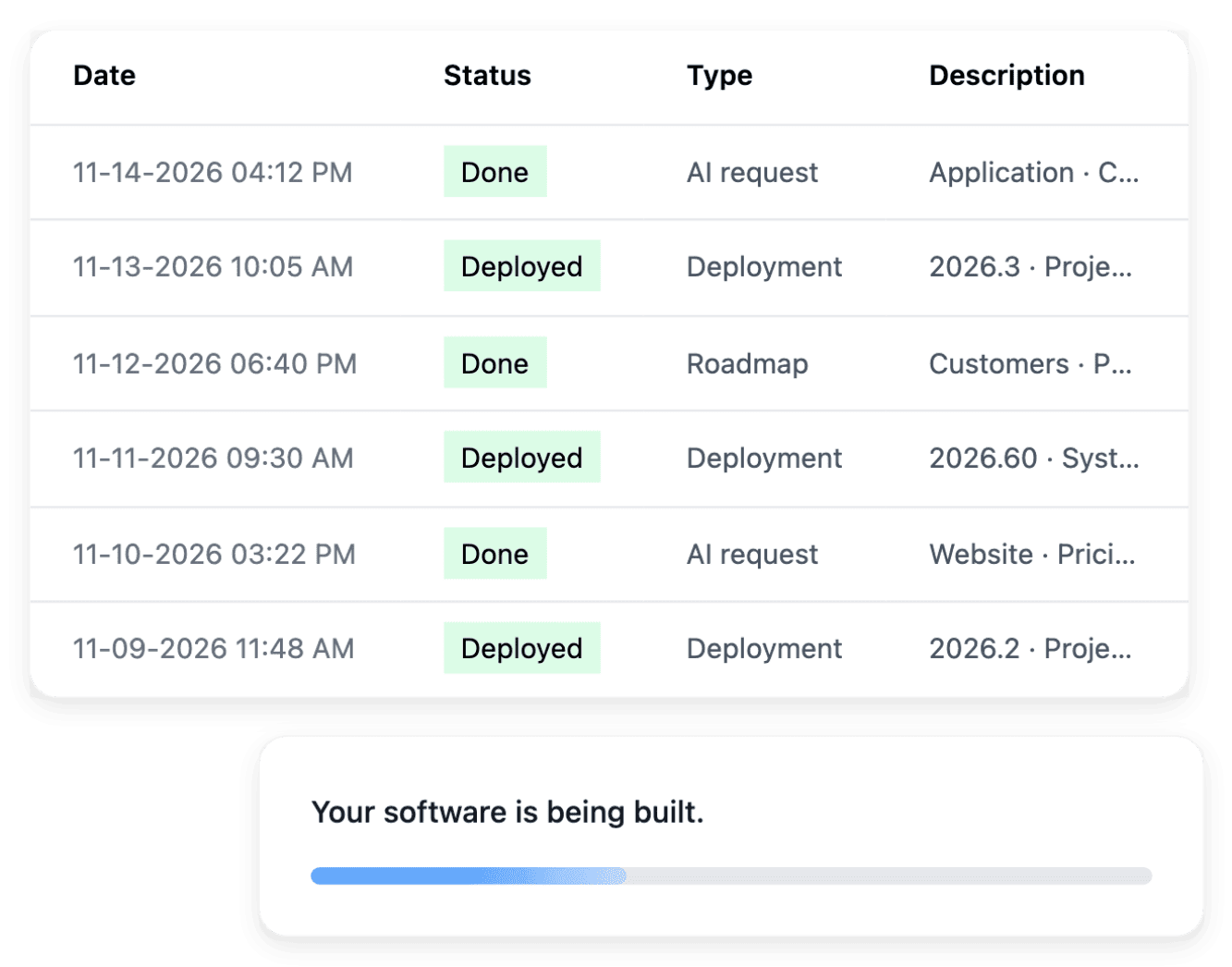
Tasks brings together the project items that need your attention: questions, prerequisites and confirmations. Each link returns to the item concerned, such as a clarification or a preparation step, where you respond or confirm within its own view. The overview also shows work in progress, and its states distinguish what is waiting for you from what is already being processed.
An item marked in progress may be processing rather than waiting for you: open its details before you send a second request for work already underway. An item that requires your input needs a decision or an answer; the task history then shows what was handled and when.
Follow the build as a sequence of phases
A roadmap describes a broader objective and the phases needed to reach it. Open its details to read the sequence of the phases, their current state and their progress, and read the scope of a phase alongside its progress to understand what the current version is intended to cover. When information or a prerequisite is missing, you open the item concerned and respond there, so the objective, the phase and the business rule stay linked.
A roadmap organizes construction progress; it does not replace the agreed functions and page definitions, which still explain what should be built. A completed phase and a production publication are separate facts: test the result, then check the selected version in Deployment before telling users that a change is live.
The capabilities behind it
- Công việc và tiến độ
Tìm những việc cần bạn chú ý, theo dõi tiến độ công việc và xem lại lịch sử các hành động của dự án.
- Roadmaps
Chia quá trình phát triển dự án thành một chuỗi các giai đoạn rõ ràng và tuân theo phạm vi của từng lộ trình.
- Chuẩn bị dự án
Biến ý tưởng của bạn thành một bản mô tả rõ ràng, bao gồm bối cảnh kinh doanh, người dùng và các hạn chế thực tế cần thiết để bắt đầu.
- Thông số kỹ thuật
Xem lại những gì một chức năng hoặc trang nên làm trước khi triển khai biến nó thành một màn hình hoạt động.
- Làm rõ
Trả lời các câu hỏi để yêu cầu dự án hoặc yêu cầu thay đổi trở nên đủ cụ thể để thực hiện.
- Yêu cầu thay đổi AI
Mô tả thay đổi bằng ngôn ngữ đơn giản, đính kèm trang hiện có và làm theo trong các yêu cầu AI.
- Phiên bản và triển khai
Theo dõi các phiên bản ứng dụng của bạn và chọn một bản phát hành đã được kiểm tra cho môi trường tiếp theo.
- Phản hồi và sự cố
Báo cáo sự cố kèm theo thông tin chi tiết và lưu lại bản ghi phản hồi để cải thiện sản phẩm.
Go further
Give your software project a clear place to progress
Send your application: our team reviews each one before a project is opened.
Questions
Yes. Preparation is the starting point: functions and pages can be clarified, and later needs can be described through the project tools. Review the effect of an extension on the offer and on the publication process, rather than treating every new idea as already included.
No. The workspace is where you manage the preparation, the build and the operation of the project in Ultineo SaaS. The customer journeys and the back office of your application are separate services, which you inspect and publish through the project tools.
Not before its scope is ready. The launch tools select a business area eligible for construction: its functions or pages must be ready and the required storage available. Resolve its questions and its installation prerequisites first; the launch form then presents the eligible work.