Find an answer, then write to us with the facts
The reference of the Ultineo E-commerce API and the help center of Ultineo SaaS are public: you need no account to read them. When the answer is not there, this page says what to check first and what to send through the contact form.
What you can count on
- A help center per product
Each product has its own help center, and the E-commerce one carries the reference of the E-commerce API. The SaaS help center covers preparing, building and running an application project, from hosting and domains to versions, access and billing.
- A team that replies
Our team reads the messages sent through the contact form and replies by e-mail. Write to us in English or French.
- No support plan to buy
We sell no support plan: the help centers and the contact form are open to everyone. For an Ultineo SaaS project, any support commitment agreed with you is set out in the agreement that applies to the project.
When something does not work
-
1
Check the service status The service status page shows what our checks measured for each service, in the last minutes and day by day. Its API row is the health address of the E-commerce API.
-
2
Look in the reference Start from the article "Error codes" of the E-commerce API reference. For a failed call, read the HTTP status code, then the message in "response" that describes what went wrong.
-
3
Note what happened Note the address, the time, what you did and what you expected to see. The contact form takes text only, so copy any error message word for word into your message.
-
4
Write through the contact form Choose the product concerned and put the name of your shop or project in the subject. Never send a password.
Build around the published API reference
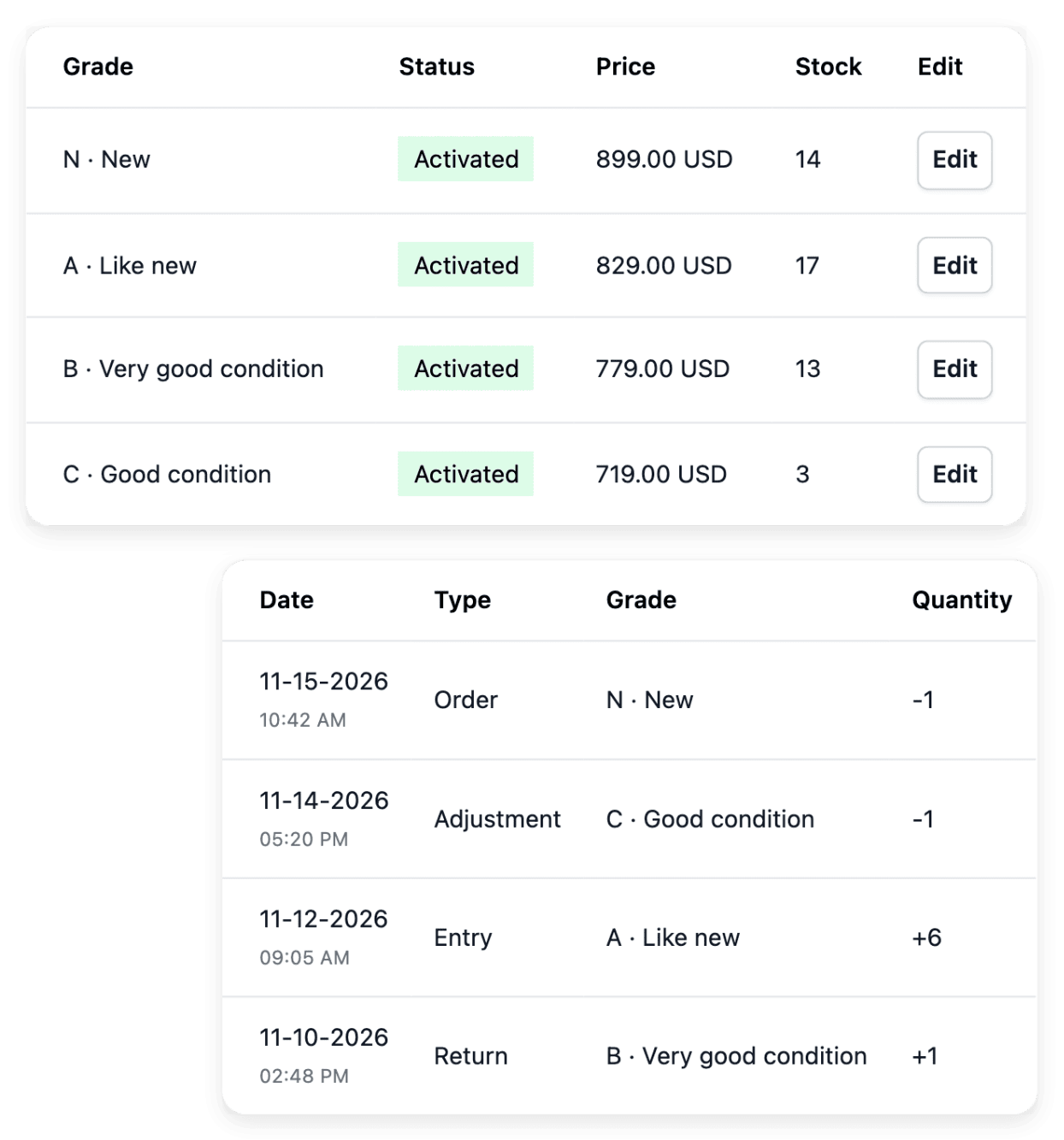
The reference of the E-commerce API is in the E-commerce help center, public and written in English and in French. It starts with an overview that gives the rules every call shares, then lists the reference articles: your first call, the error codes and each resource.
Building and testing the exchange stays the work of your technical team or of your service provider. The reference of an Ultineo SaaS project API belongs to the project for which it is activated.
Ask for an integration that is missing
If the integration you need is missing, contact the Ultineo team with the name of the service and the data or the workflow you want to connect. The team can assess the request. If you provide a service yourself, say what it does, in which countries and currencies it works, and how a shop would connect to it.
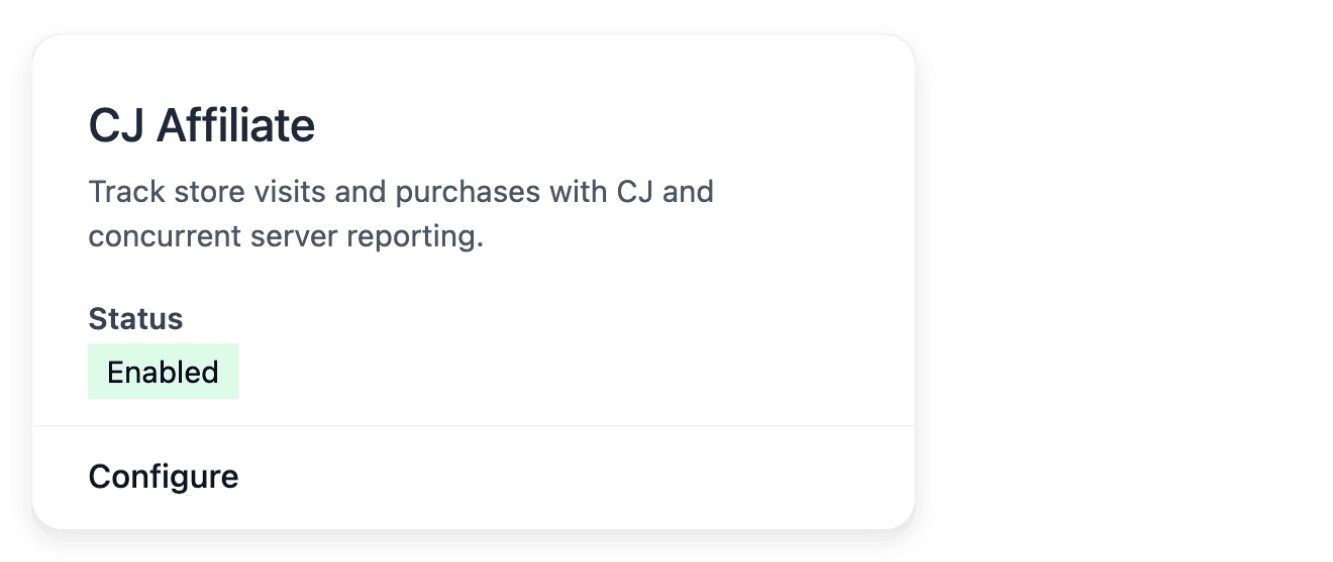
A contact request does not promise that the connector already exists. The Integrations page says what each existing connection is ready to do.
Make a problem of your software project reproducible
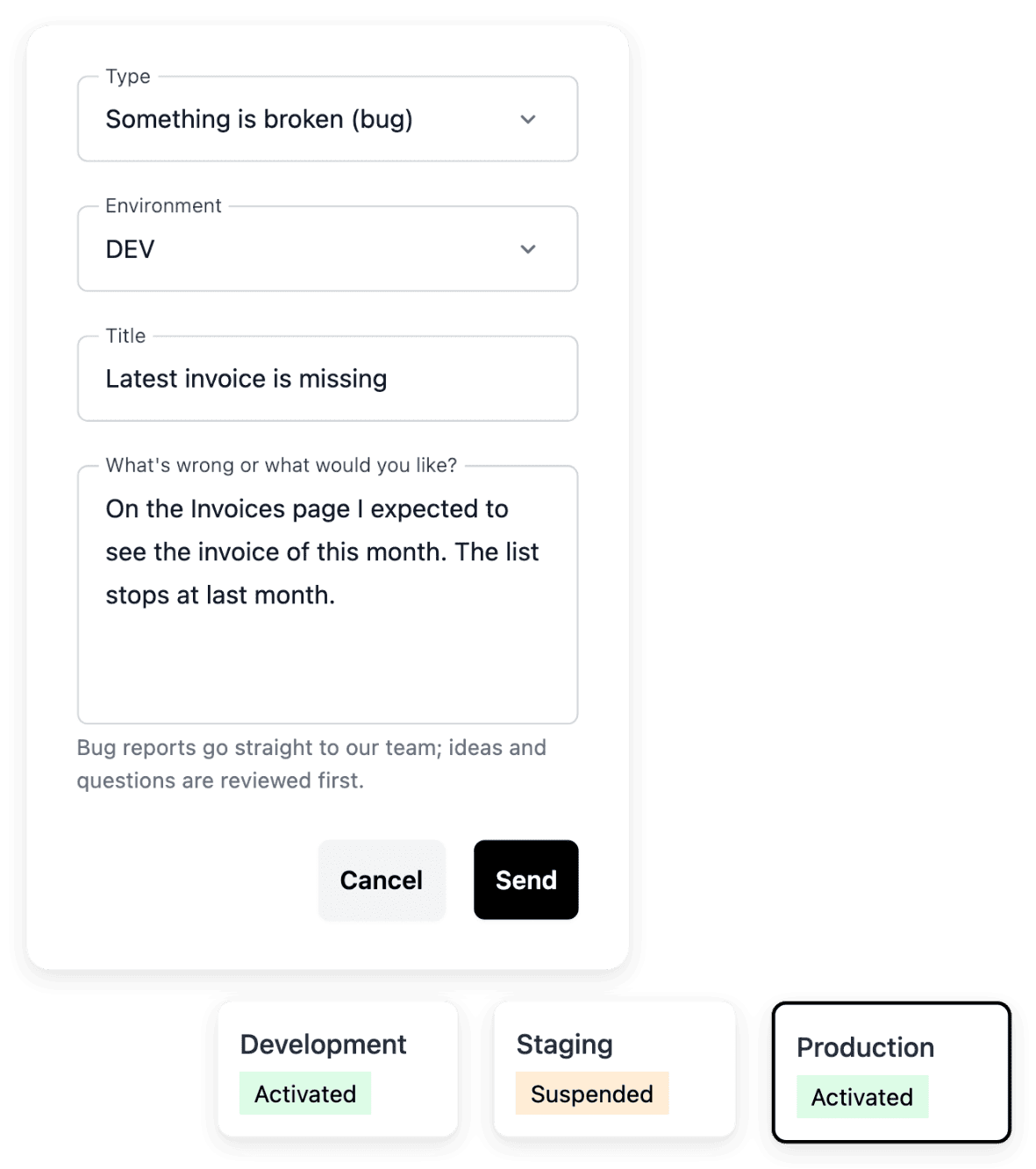
In the workspace of an Ultineo SaaS project, the feedback list records a bug, an improvement idea or a question, with its environment. A useful report identifies the affected page and the steps that led to the problem, with the expected outcome and the actual result. The report detail then holds its status and its conversation, where you add missing information.
Check the selected project and environment so that the report refers to the correct application. Leave out passwords and unrelated private customer information.
The articles behind this page
This page restates the following articles of the help center. They hold every field, every value and every answer.
Product pages to read next
-
Ultineo E-commerce
API 액세스 범위를 지정한 스토어 액세스로 시스템을 연결하세요
-
Ultineo E-commerce
연동 지원되는 스토어 서비스 연결
-
Ultineo SaaS
선택적 프로젝트 API 적격 프로젝트에 대한 API 범위를 검토하고 계획된 경로와 이미 구축된 엔드포인트를 구분합니다.
-
Ultineo SaaS
외부 연결 연결할 외부 서비스를 설명하고, 해당 설명서를 제공하며, 관련 비즈니스 영역과 연결합니다.
-
Ultineo SaaS
피드백 및 문제점 프로젝트에 대한 유용한 맥락과 함께 문제를 보고하고, 보낸 피드백의 내용을 눈에 잘 띄게 기록하세요.
Continue in this section
- 이커머스 API 레퍼런스
Every article of the E-commerce API, in the help center.
- API conventions
The rules every route shares: JSON over HTTPS, one envelope, identifiers, dates, amounts and lists.
- Security
How keys, encrypted connections and team access protect what your integration reaches.
- Service status
The current state of our services
- Product updates
What changed in the products
Write to us about your integration
Choose the product your request is about and tell us what you need to connect.
Questions
The product updates page lists what changed in the Ultineo products, newest first, and its entries about the API carry the label "API". Each entry links to the help article that describes it. Customers also read the notes of each version on the "Release" page of their workspace.
The API row of the status page shows that the entry point of the API answers, not that every operation succeeds. If something does not work for you while the page shows no failure, write to us: your message is how we learn about a fault our checks do not see.
An administrator of the shop you work for creates the key. Write to us when the reference does not cover what you need to connect. We have no partner programme: to work with us, write through the contact page and put "Partnership" in the subject.
No. "Send feedback", at the bottom of the navigation of your workspace, sends our team a bug report, an idea or a remark. It is not a support request and no reply is given through it, so use the contact form when you expect an answer.