How a shop opens
From your application to your first sale: each step in order, who acts and what you prepare in Ultineo E-commerce.
The eight steps at a glance
1. Your application
Two conditions and one form
2. The review by our team
A reply by email
3. Your account opens
Free once accepted
4. Your workspace
Identity, theme, pages and catalogue
5. Countries
The supported countries you deliver to
6. Payments
Váš vlastni nalog Stripe, Adyen ili PayPal
7. Drafts, then publication
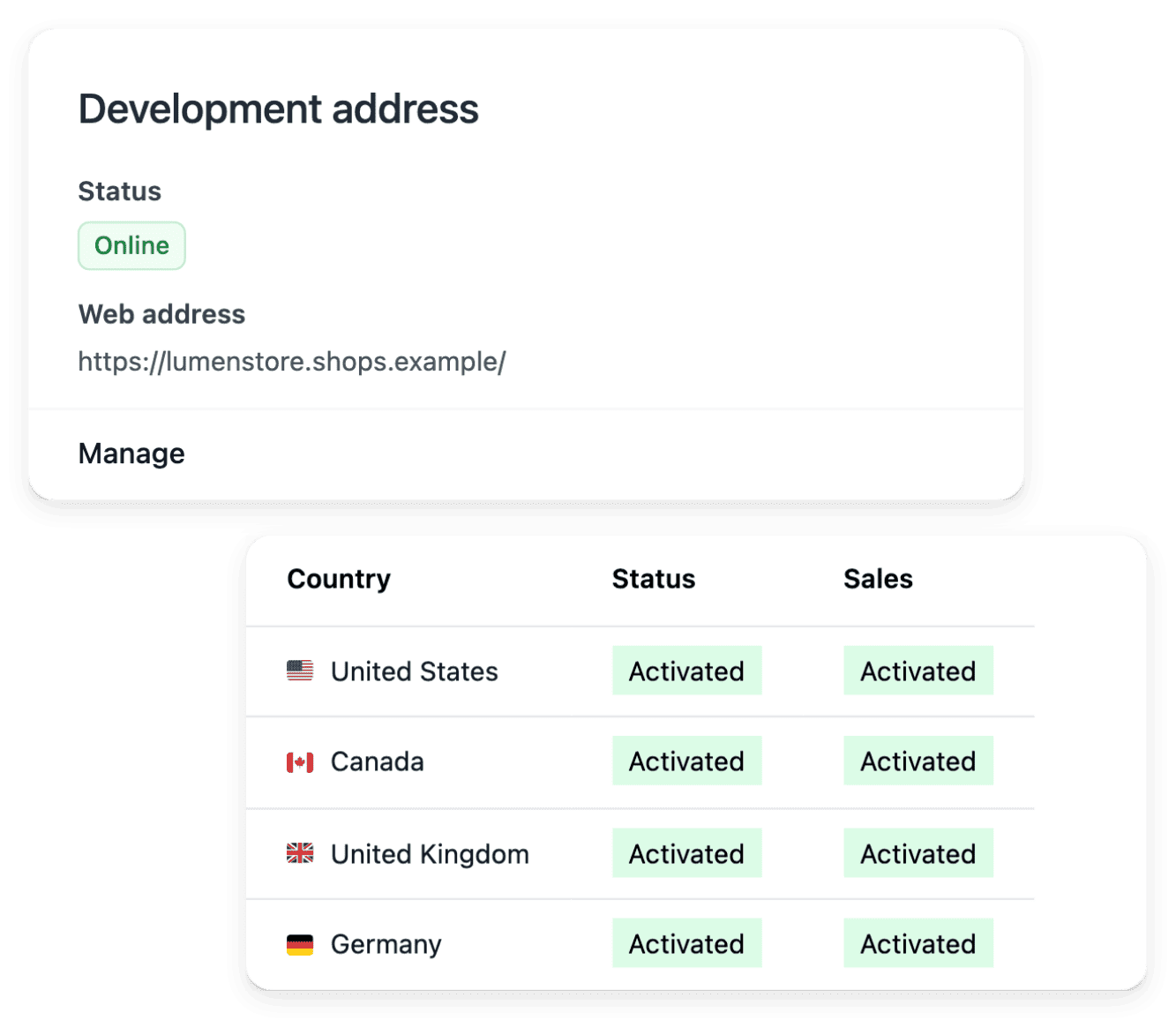
The provided address or your own domain
8. Naručivanje, servisa i naplata
Tjedovni račun, redak po redak
1. Your application
You apply with the application form. Ultineo E-commerce opens an account for a business that has been operating for at least six months and whose products can be shipped and delivered to at least three countries. The form asks for your surname and given name, your email address and phone number, your company and its country, your annual revenue, your project, where you sell today, the markets you target, your website, how you heard about Ultineo and your request, then asks you to confirm the two conditions.
Who acts. You apply.
In detail
2. The review by our team
Our team reviews each application against the two conditions before any account is opened: there is no self-service sign-up. The answer is sent by email to the address given in the form.
Who acts. The Ultineo team reviews the application and replies to you.
3. Your account opens
Once the application is accepted, your account is opened and you sign in to your shop workspace. Opening the account is free, with no monthly fee and no minimum commitment.
Who acts. Ultineo opens the account; you sign in.
In detail
4. Your workspace
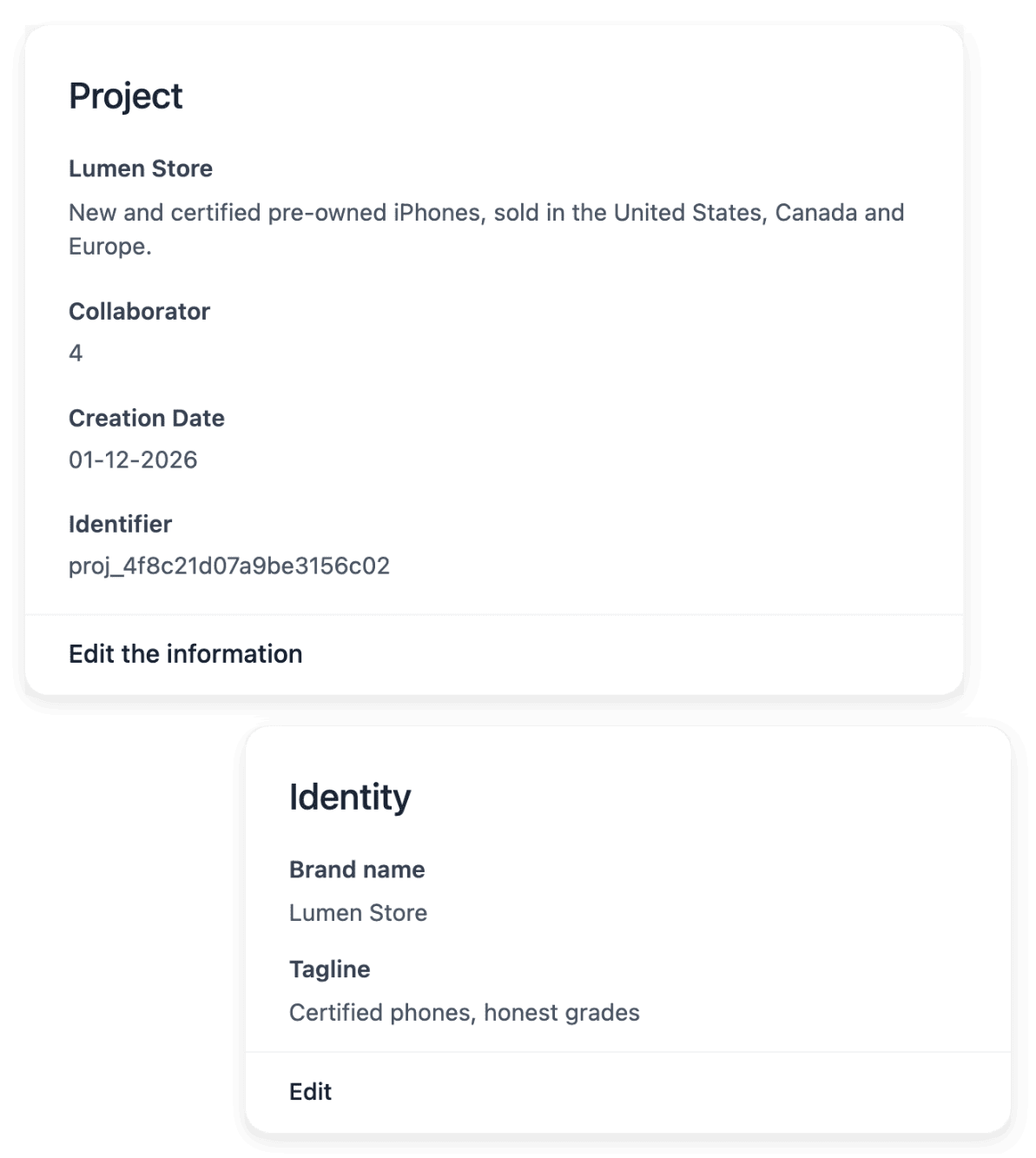
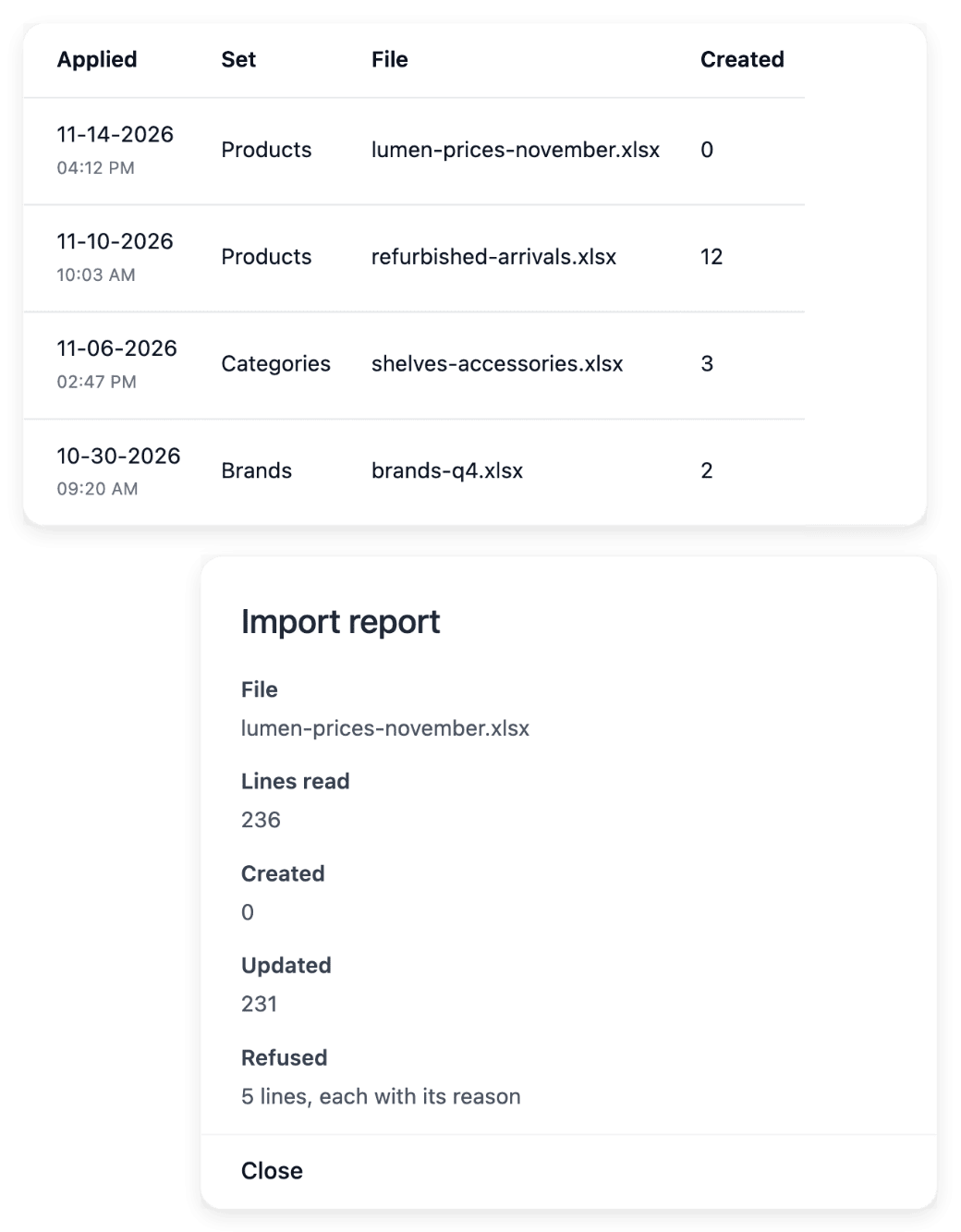
In the workspace you set the shop’s identity, adjust its theme and build its pages and sections. You add the catalogue product by product or import it from a CSV file: each import returns a report line by line, so you see which lines were applied and which need a correction.
Who acts. You prepare the shop.
In detail
5. Countries
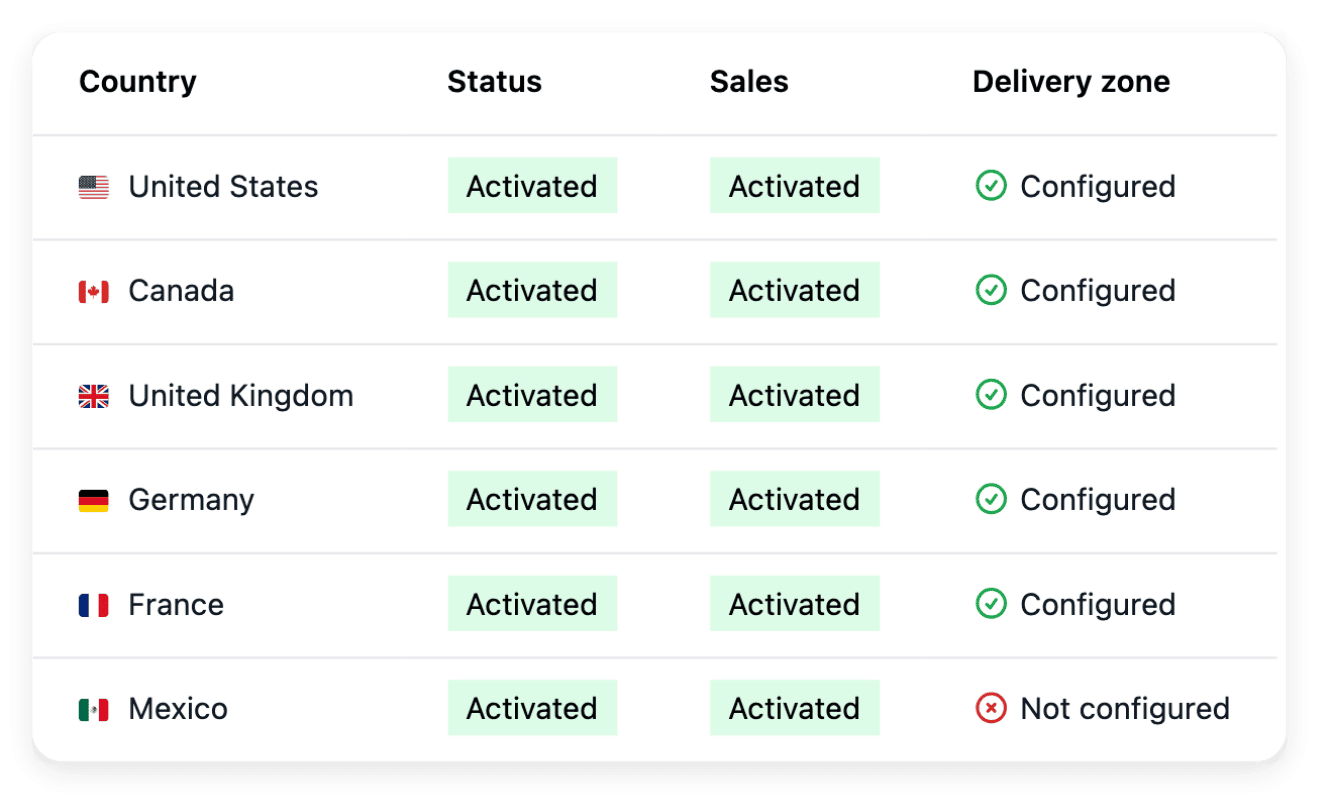
You activate the supported countries you deliver to, each as its own country version, with no activation fee. For each one you set the delivery settings and the currency it shows, with an optional price adjustment. The shop’s texts are translated into each language served, without overwriting your own wording.
Who acts. You choose the countries and their delivery settings.
In detail
6. Payments
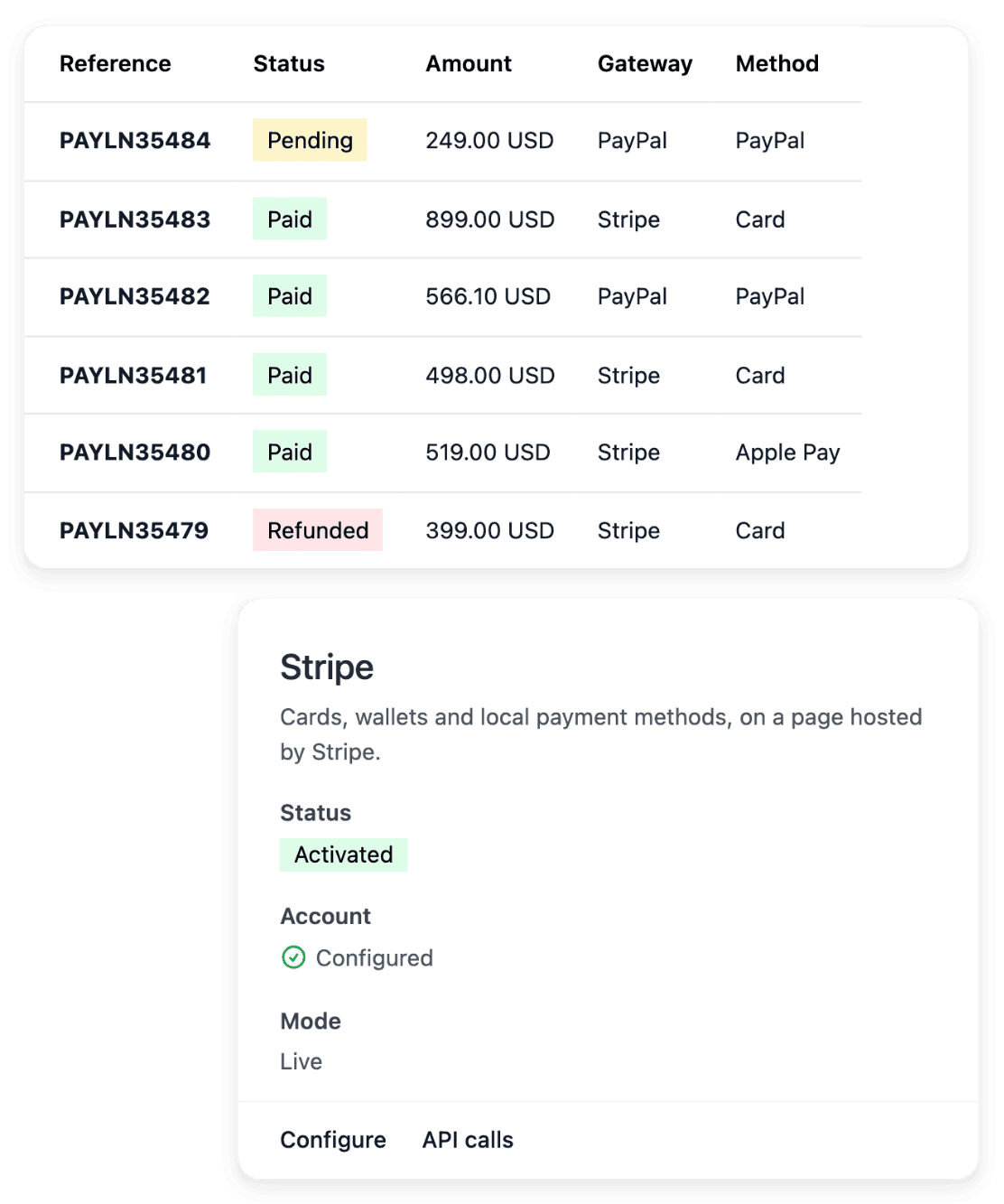
You connect your own Stripe, Adyen or PayPal account: your buyers pay into that account and Ultineo does not collect your sales. The payment method is activated after a live check by the provider.
Who acts. You connect your account; the provider checks it.
In detail
7. Drafts, then publication
You prepare the shop with drafts, then publish it. It is served on the address Ultineo provides, or on your own domain name once you connect it.
Who acts. You publish when the shop is ready.
In detail
8. Naručivanje, servisa i naplata
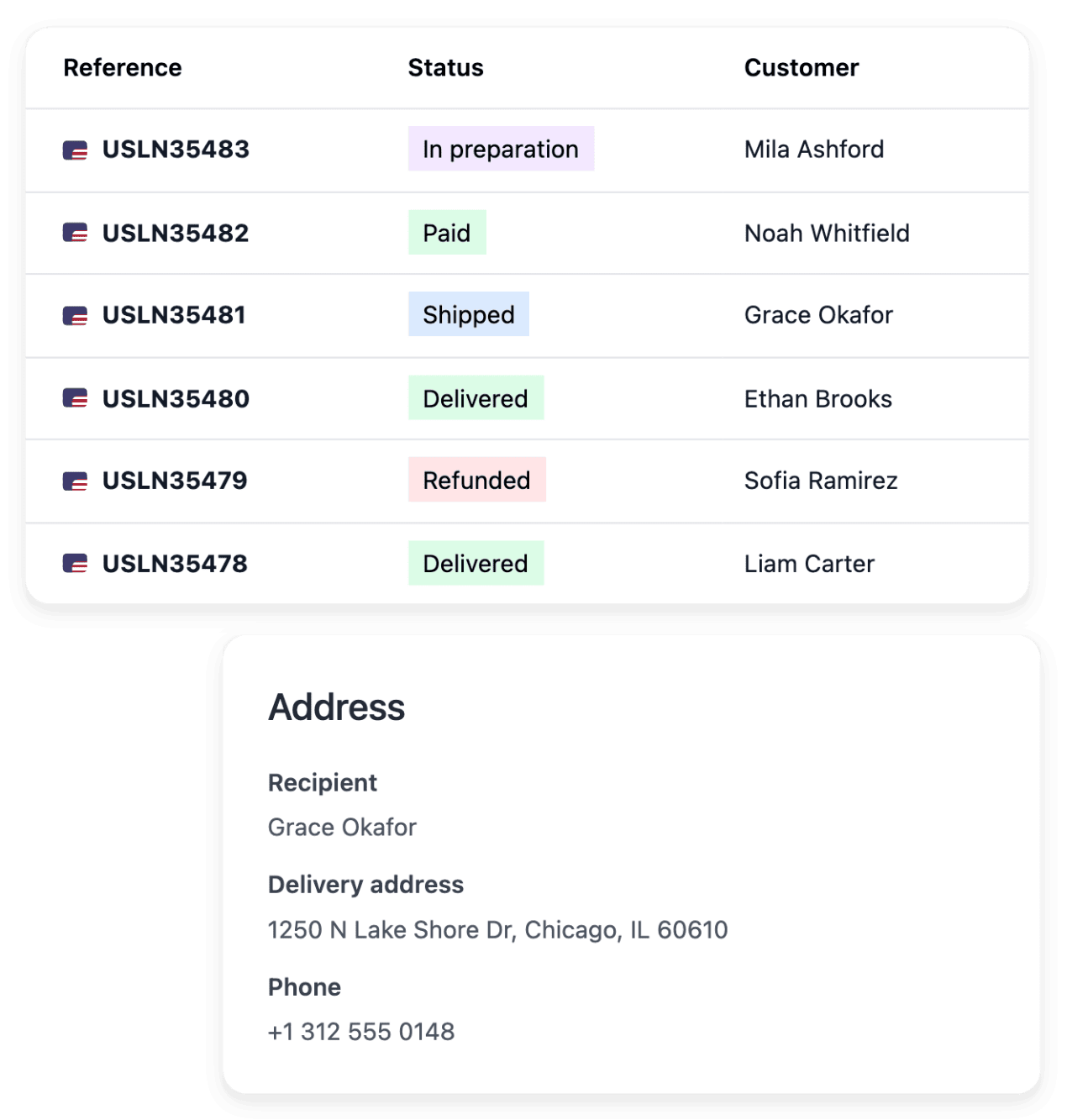
Porudžbine stižu u radni prostor uz svoj plaćanje i isporuku. Povratke, povrate novca, odbijene pakete i prigovare prijevoznika ostaju povezani s porudžbinom. Svaki tjedan Ultineo naplaćuje jednu stavku provizije za svaki prikupljeni naplati, jednu kreditnu stavku za svaki povrat novca i mjerna operacije koje ste koristili.
Who acts. Vi vodite trgovinu; Ultineo fakturira svako tjedno.
In detail
Jasna polazna točka za vašu trgovinu
Recite nam nešto o svom poslovanju. Pregledat ćemo vaš projekt i potvrditi uvjete koji vrijede za vašu trgovinu.
Česta pitanja
Da. Otvorite li račun, to je besplatno čim se vaš zahtjev prihodi, bez mjesečnih naknada i bez minimalnih obveza.
Odvojene su od provizije platforme Ultineo. Možete koristiti vlastiti podržani račun za Stripe, Adyen ili PayPal kada njegova konfiguracija bude spremna. Vaš pružatelj usluga primjenjuje vlastite cijene i uvjete.
Dodavanje podržanih zemalja, jezika i valuta nema ograničenje količine ni doplatu za aktivaciju. I dalje morate pripremiti dostavu, plaćanja i prijevode; sve usluge koje se naplaćuju prema potrošnji i vanjski troškovi ostaju odvojeni.
Billing follows a Monday-to-Sunday week in UTC. The following week allows adjustments, then the period is finalized and invoiced. The payment deadline is the one agreed for your account. An invoice still unpaid after its due date suspends your shop’s domains until it is settled.