How a shop opens
From your application to your first sale: each step in order, who acts and what you prepare in Ultineo E-commerce.
The eight steps at a glance
1. Your application
Two conditions and one form
2. The review by our team
A reply by email
3. Your account opens
Free once accepted
4. Your workspace
Identity, theme, pages and catalogue
5. Countries
The supported countries you deliver to
6. Payments
Oma Stripe-, Adyen- tai PayPal-tilisi
7. Drafts, then publication
The provided address or your own domain
8. Tilaukset, jälkimyynti ja laskutus
Viikkolasku, rivi kerrallaan
1. Your application
You apply with the application form. Ultineo E-commerce opens an account for a business that has been operating for at least six months and whose products can be shipped and delivered to at least three countries. The form asks for your surname and given name, your email address and phone number, your company and its country, your annual revenue, your project, where you sell today, the markets you target, your website, how you heard about Ultineo and your request, then asks you to confirm the two conditions.
Who acts. You apply.
In detail
2. The review by our team
Our team reviews each application against the two conditions before any account is opened: there is no self-service sign-up. The answer is sent by email to the address given in the form.
Who acts. The Ultineo team reviews the application and replies to you.
3. Your account opens
Once the application is accepted, your account is opened and you sign in to your shop workspace. Opening the account is free, with no monthly fee and no minimum commitment.
Who acts. Ultineo opens the account; you sign in.
In detail
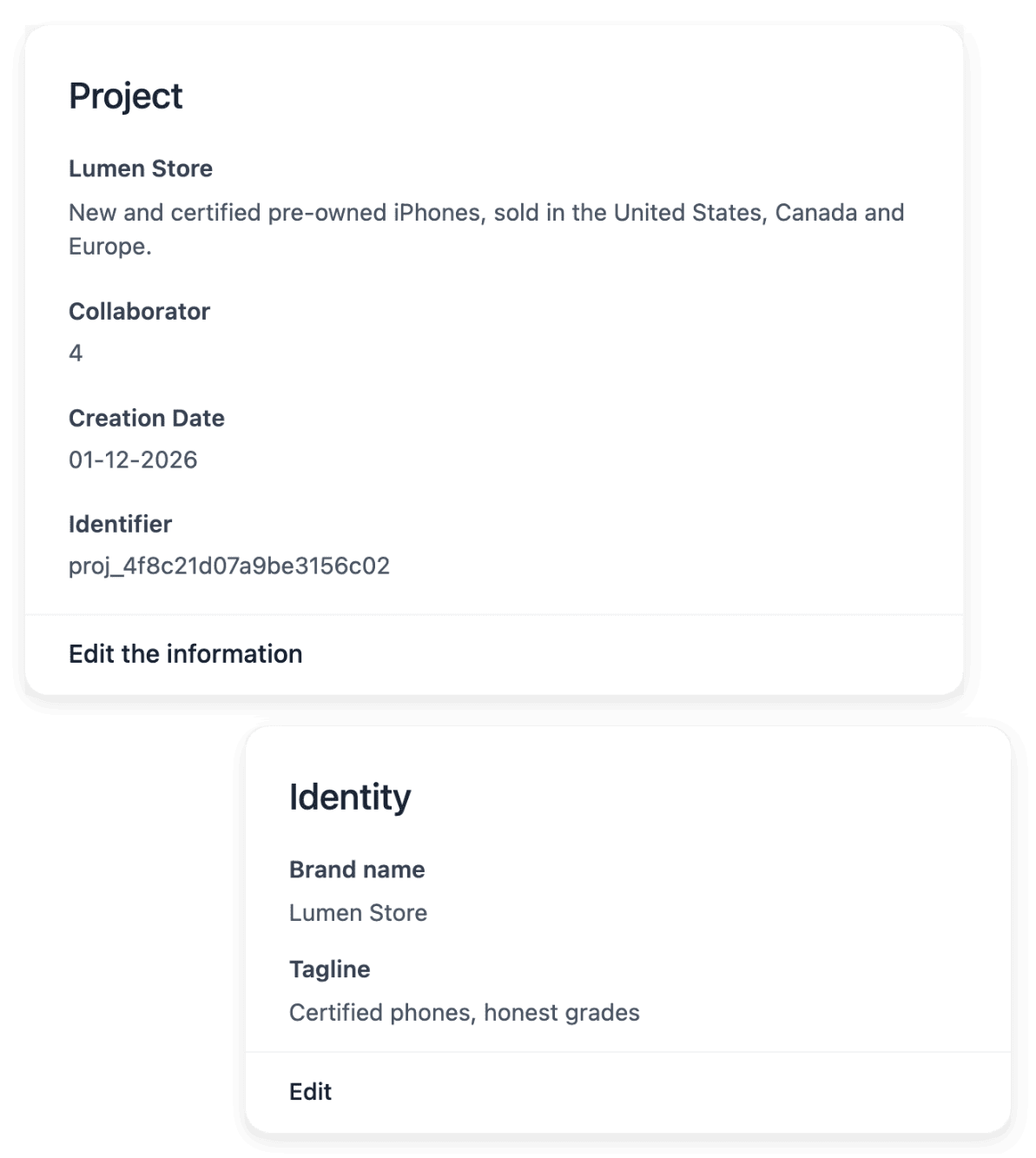
4. Your workspace
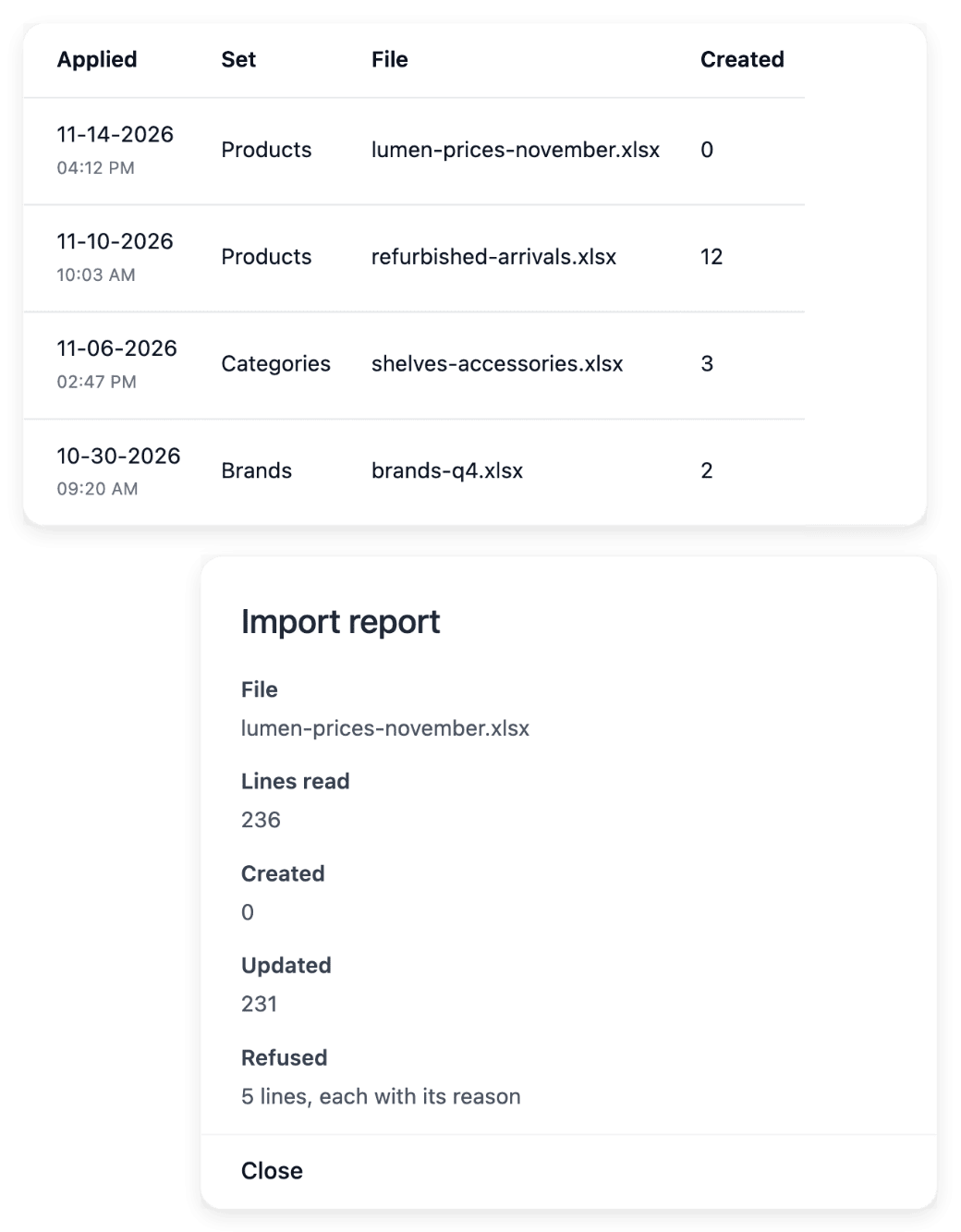
In the workspace you set the shop’s identity, adjust its theme and build its pages and sections. You add the catalogue product by product or import it from a CSV file: each import returns a report line by line, so you see which lines were applied and which need a correction.
Who acts. You prepare the shop.
In detail
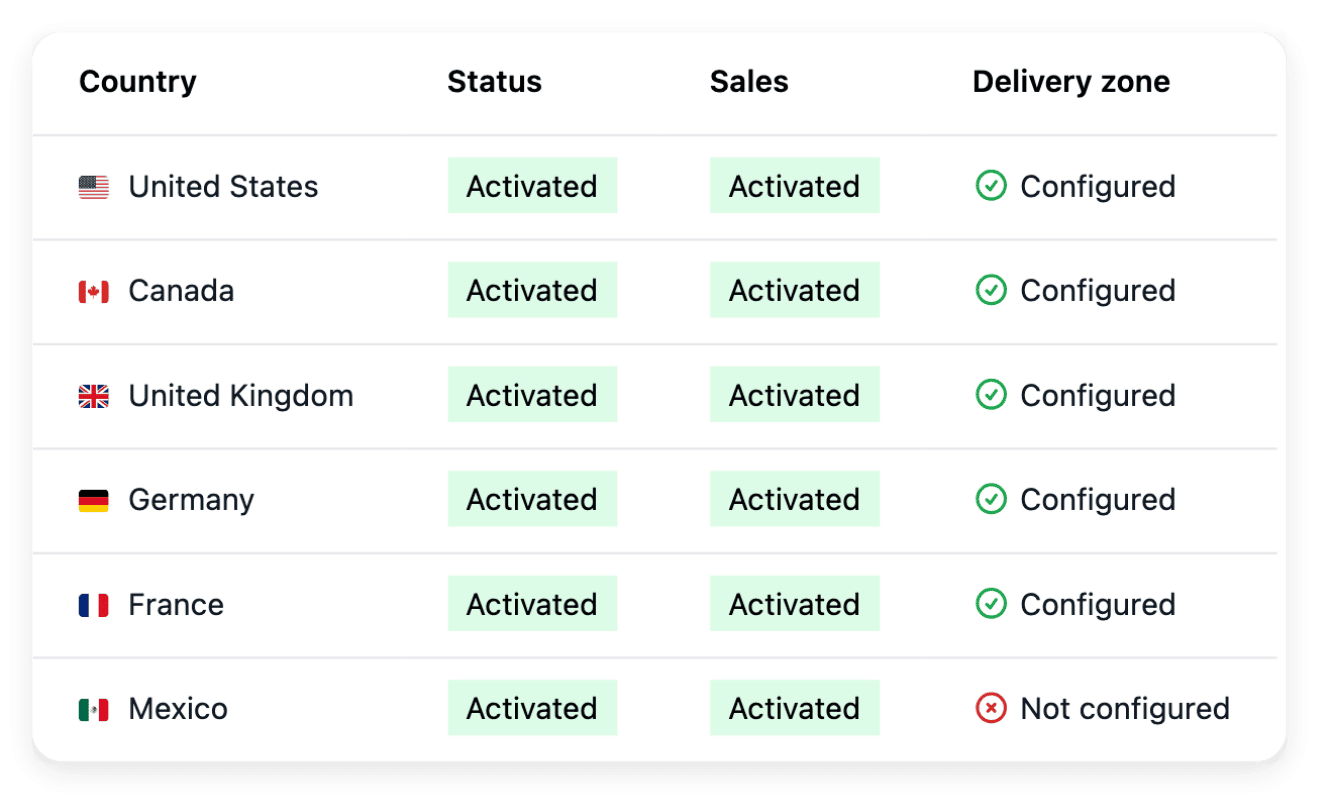
5. Countries
You activate the supported countries you deliver to, each as its own country version, with no activation fee. For each one you set the delivery settings and the currency it shows, with an optional price adjustment. The shop’s texts are translated into each language served, without overwriting your own wording.
Who acts. You choose the countries and their delivery settings.
In detail
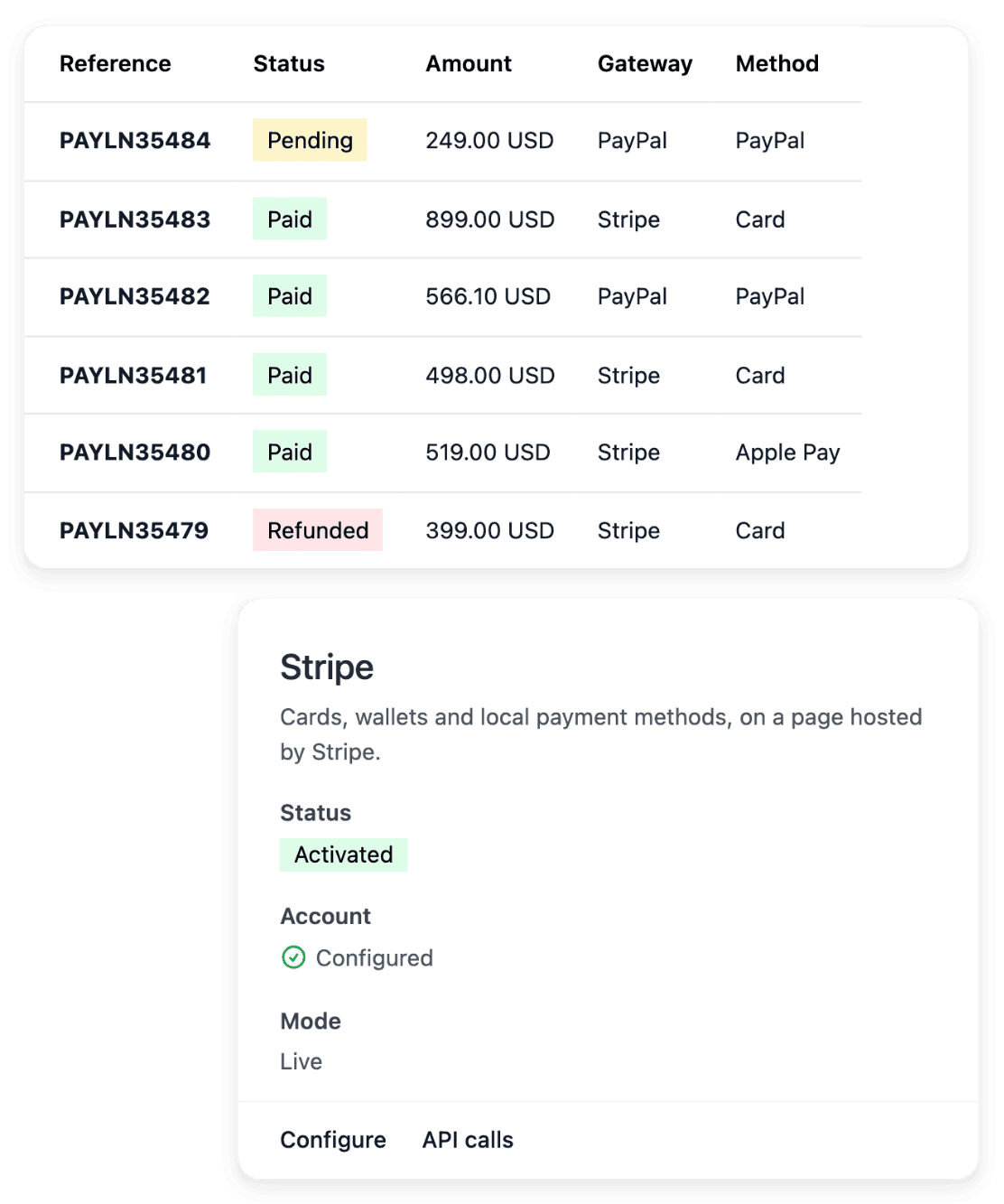
6. Payments
You connect your own Stripe, Adyen or PayPal account: your buyers pay into that account and Ultineo does not collect your sales. The payment method is activated after a live check by the provider.
Who acts. You connect your account; the provider checks it.
In detail
7. Drafts, then publication
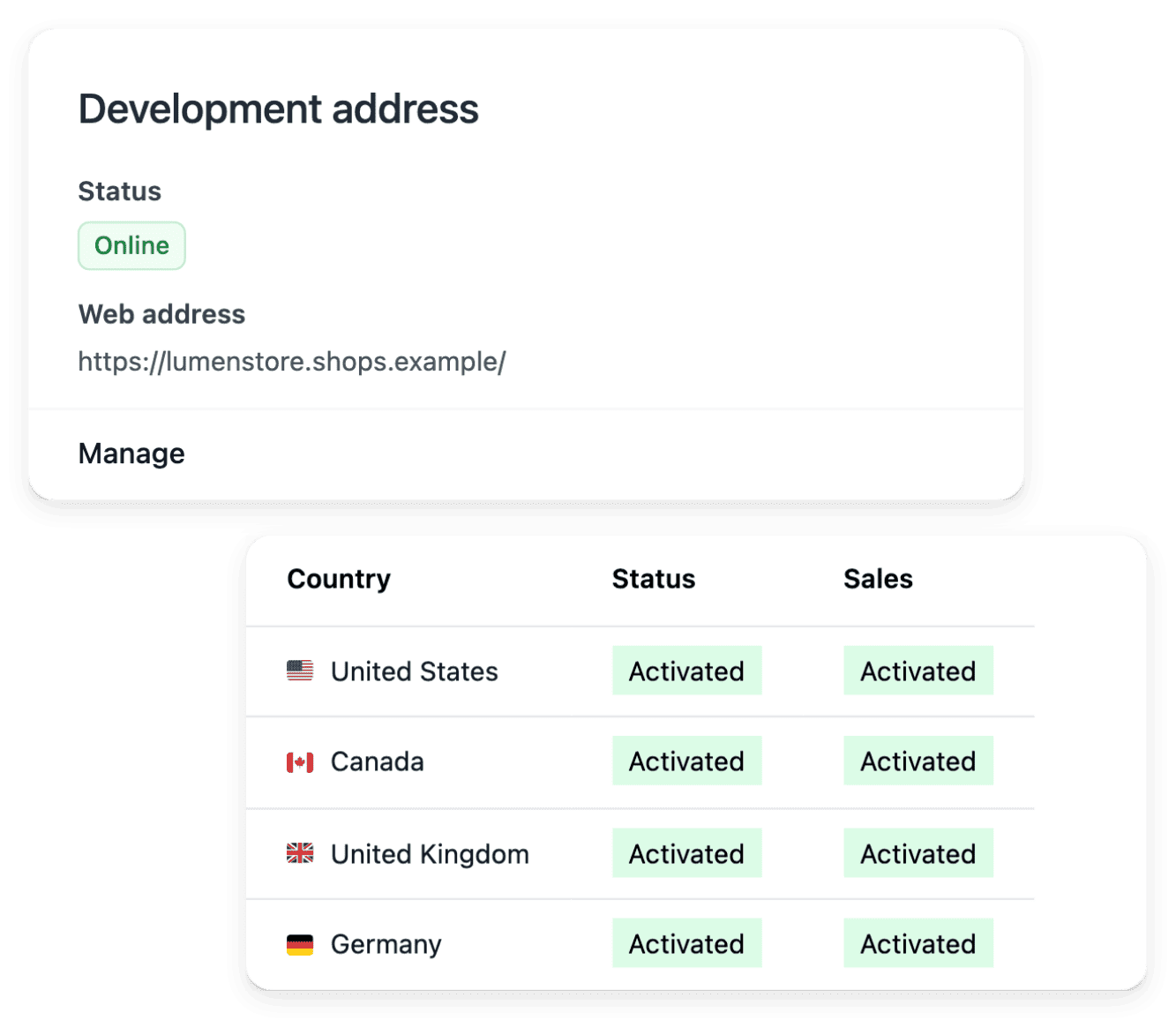
You prepare the shop with drafts, then publish it. It is served on the address Ultineo provides, or on your own domain name once you connect it.
Who acts. You publish when the shop is ready.
In detail
8. Tilaukset, jälkimyynti ja laskutus
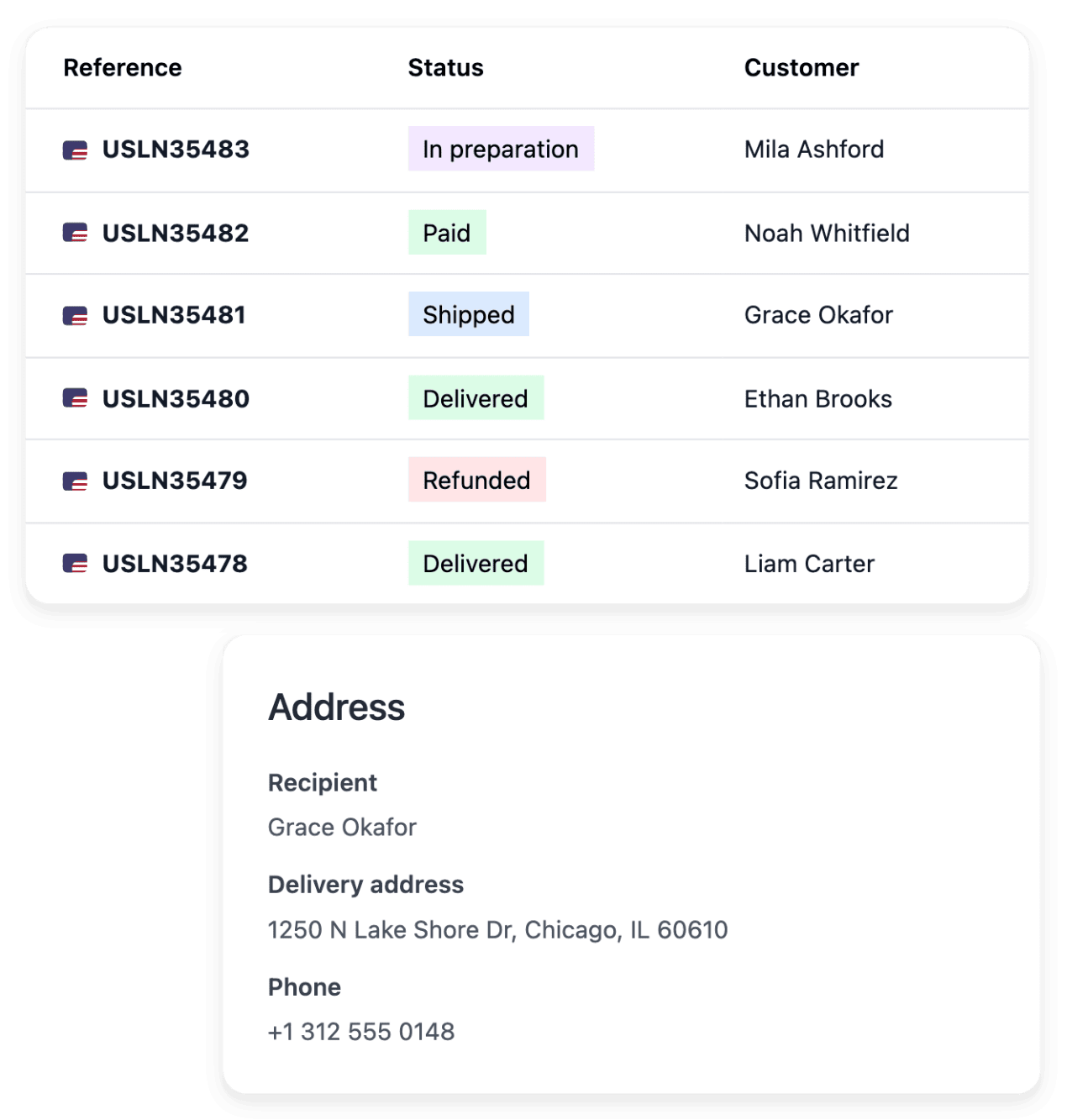
Tilaukset saapuvat työtilaan maksunsa ja toimituksensa mukana. Palautukset, hyvitykset, hylätyt paketit ja kuljetusyhtiön vedot pysyvät liitteenä tilauksessa. Viikoittain Ultineo laskuttaa yhteen komissiorivin per kerätty maksu, yhteen kreditrivin per hyvitys ja käyttämäsi mittaroidut operaatiot.
Who acts. Sinä pyörität liikettä; Ultineo laskuttaa viikoittain.
In detail
Selkeä lähtökohta kaupallesi
Kerro meille liiketoiminnastasi. Käymme projektisi läpi ja vahvistamme kauppaasi koskevat ehdot.
Usein kysytyt kysymykset
Kyllä. Tilin avaus on maksuton, kun hakemuksesi on hyväksytty, ja siinä ei kuukausimaksuja eikä minimiehtoja.
Ne ovat erillisiä Ultineon provisiosta. Voit käyttää omaa tuettua Stripe-, Adyen- tai PayPal-tiliäsi, kun sen määritys on valmis. Palveluntarjoajasi soveltaa omaa hinnoitteluaan ja ehtojaan.
Tuettujen maiden, kielten ja valuuttojen lisäämisellä ei ole määrärajoitusta eikä aktivointilisää. Sinun on silti valmisteltava toimitus, maksut ja käännökset; mahdolliset käytön mukaan laskutettavat palvelut ja ulkoiset kustannukset pysyvät erillisinä.
Billing follows a Monday-to-Sunday week in UTC. The following week allows adjustments, then the period is finalized and invoiced. The payment deadline is the one agreed for your account. An invoice still unpaid after its due date suspends your shop’s domains until it is settled.